Hey dev friends! 👋
Have you ever written:
let x = 10;
and wondered what actually happens behind the scenes?
Where does that value live?
Why do objects behave differently from numbers and strings?
How does JavaScript know when to free memory?
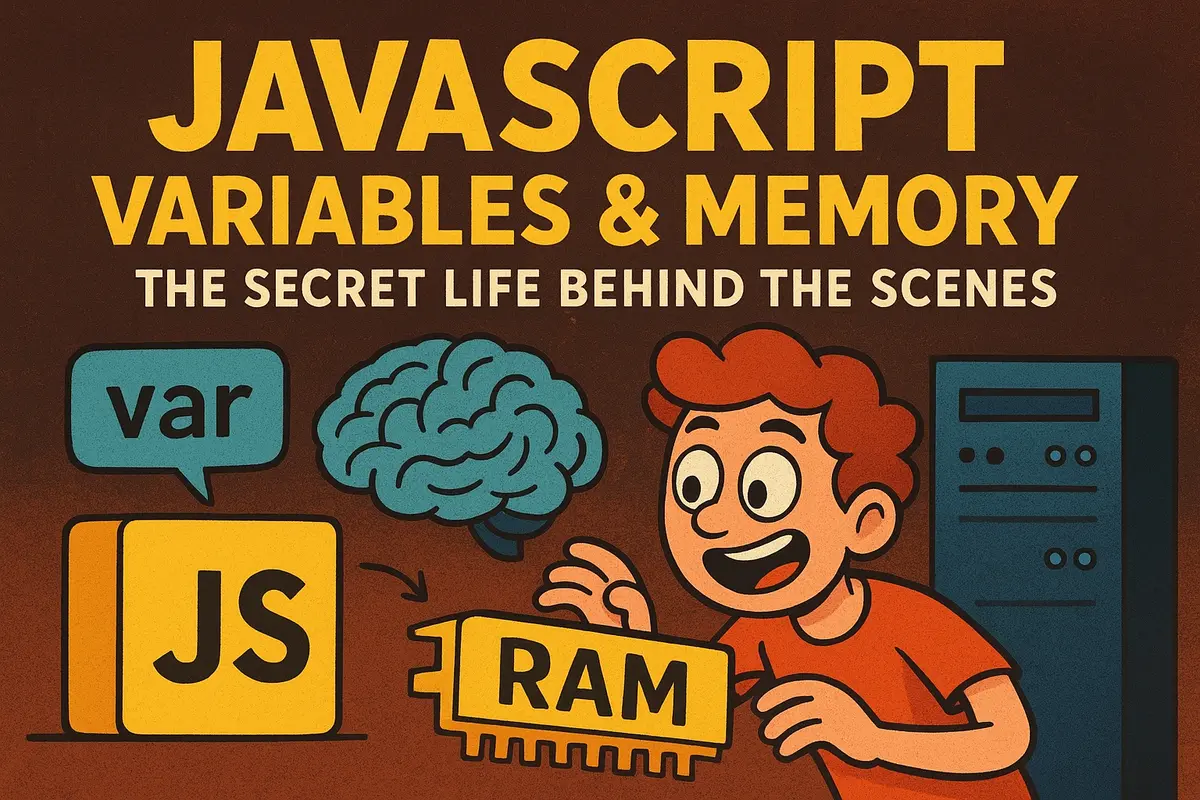
Today we're going beyond syntax and taking a tour inside JavaScript's memory model. By the end, you'll understand variables, references, closures, garbage collection, and memory management in a way that makes many JavaScript "weird behaviors" suddenly make sense.
Let's dive in. 🚀
Variables Are Not Boxes
One of the most common beginner misconceptions is that variables are containers that hold values.
That's not entirely true.
A better mental model is:
Variables are labels that allow JavaScript to find values stored in memory.
Think of a variable as a sticky note with an address written on it.
let score = 100;
JavaScript stores the value and gives the variable a way to reference it.
The variable itself isn't the value.
It's simply a name that lets the engine find the value later.
Primitives vs Objects
JavaScript values fall into two major categories.
Primitive Values
- String
- Number
- Boolean
- Null
- Undefined
- Symbol
- BigInt
Example:
let age = 25;
let username = "Anik";
These values are small, simple, and immutable.
Reference Types
- Objects
- Arrays
- Functions
- Dates
- Maps
- Sets
Example:
const user = {
  name: "Anik",
  age: 25,
};
Objects can contain multiple values and are stored differently than primitives.
Understanding this distinction explains many JavaScript behaviors.
Stack vs Heap Memory
JavaScript engines generally use two major memory areas.
Stack Memory
Fast and lightweight.
Typically stores:
- Primitive values
- Function execution contexts
- References to objects
let name = "Alice";
let age = 25;
Heap Memory
Large storage area used for:
- Objects
- Arrays
- Functions
- Complex data structures
const user = {
  name: "Alice",
  age: 25,
};
Conceptually:
Stack
------
user ────────────┐
                 │
Heap             ▼
------      { name: "Alice", age: 25 }
The variable stores a reference, while the actual object lives in heap memory.
Understanding References
This is where many bugs originate.
Consider:
const user1 = {
  name: "Anik",
};

const user2 = user1;
Both variables point to the same object.
user2.name = "John";

console.log(user1.name);
Output:
John
Why?
Because there is only one object.
Both variables reference the same memory location.
Reassignment vs Mutation
These concepts are often confused.
Reassignment
Changes what a variable points to.
let count = 10;

count = 20;
The variable now references a different value.
Mutation
Changes the existing object.
const user = {
  name: "Anik",
};

user.name = "John";
The variable still points to the same object.
Only the object's contents changed.
Mutable vs Immutable Values
Immutable Values
Cannot be changed after creation.
Examples:
- String
- Number
- Boolean
- Null
- Undefined
- Symbol
- BigInt
let greeting = "Hello";

greeting += " World";
JavaScript creates a completely new string.
The original string remains unchanged.
Mutable Values
Can be modified in place.
Examples:
- Objects
- Arrays
- Maps
- Sets
const items = [1, 2];

items.push(3);
The same array object is updated.
Closures: Variables That Refuse to Die
Closures are one of JavaScript's most powerful features.
function outer() {
  let secret = "Hidden";

  return function inner() {
    console.log(secret);
  };
}

const reveal = outer();

reveal();
Output:
Hidden
Normally, local variables disappear when a function finishes.
But closures keep those variables alive.
The returned function maintains access to its lexical environment even after the outer function has completed execution.
This is why closures are commonly used for:
- Encapsulation
- State management
- Event handlers
- Function factories
Garbage Collection
Memory isn't infinite.
Eventually unused objects need to be removed.
Fortunately, JavaScript has an automatic garbage collector.
Most modern engines use a technique called:
Mark and Sweep
Step 1:
Mark everything still reachable.
Step 2:
Sweep away everything unreachable.
Example:
let data = {
  largeArray: new Array(1000000),
};

data = null;
Once no references point to the object, it becomes eligible for garbage collection.
The engine eventually removes it and reclaims the memory.
Memory Leaks
Garbage collection is powerful, but it isn't magic.
Objects that remain reachable cannot be collected.
Example:
const cache = [];

function storeData(data) {
  cache.push(data);
}
If data keeps accumulating indefinitely, memory usage grows forever.
Common sources of memory leaks include:
- Global variables
- Forgotten event listeners
- Long-lived caches
- Unnecessary closures
- Detached DOM nodes
How Closures Can Cause Memory Leaks
Consider:
function createHandler() {
  const hugeData = new Array(1000000);

  return function () {
    console.log(hugeData.length);
  };
}
The closure keeps hugeData alive.
Even if the outer function finishes, the array remains in memory because the returned function still references it.
Understanding closures helps avoid accidental memory retention.
V8 Engine Optimizations
Modern JavaScript engines are incredibly sophisticated.
Hidden Classes
Objects with similar structures share internal representations.
const user1 = {
  name: "Anik",
  age: 25,
};

const user2 = {
  name: "John",
  age: 30,
};
Because their shape is identical, property access becomes faster.
Inline Caching
The engine remembers where properties are located.
user.name;
user.name;
user.name;
Repeated lookups become highly optimized.
Incremental Garbage Collection
Memory cleanup happens gradually to avoid freezing the application.
These optimizations are largely invisible but significantly improve performance.
Common Reference Gotchas
Example 1: Shared Arrays
const a = [1, 2];
const b = a;

b.push(3);

console.log(a);
Output:
[1, 2, 3]
Example 2: Independent Arrays
const a = [1, 2];
const b = [...a];

b.push(3);

console.log(a);
Output:
[1, 2]
Using spread syntax creates a new array.
Quick Mental Model
Whenever you create a value, ask:
Is it primitive?
If yes:
let x = 10;
JavaScript works with immutable values.
Is it an object?
If yes:
const user = {
  name: "Anik",
};
You're working with references.
Mutations affect everyone pointing to that object.
TL;DR Quick Recap
- Variables are labels, not boxes.
- Primitives are immutable.
- Objects are reference types.
- Stack stores references and execution contexts.
- Heap stores objects and complex data.
- Reassignment changes references.
- Mutation changes existing objects.
- Closures keep variables alive.
- Garbage collection removes unreachable objects.
- Memory leaks occur when references remain unnecessarily.
- Modern engines use advanced optimizations like hidden classes and inline caching.
Final Thoughts
Understanding JavaScript memory changes the way you think about code.
Suddenly, behaviors involving objects, arrays, closures, and garbage collection stop feeling random.
Instead, they become predictable.
The next time you write:
let x = 10;
remember that a surprisingly sophisticated system springs into action behind the scenes.
Variables aren't just names.
They're gateways into JavaScript's memory model.
And understanding that model is one of the biggest steps toward becoming a stronger JavaScript engineer. 💡
A Little Joke to End On
Why did the JavaScript variable go to therapy?
Because it couldn't let go of its references. 😄
Frequently Asked Questions
Are JavaScript variables stored directly in memory?
Variables store references that allow the JavaScript engine to locate values stored in memory.
What is the difference between stack and heap memory?
The stack stores execution contexts and references, while the heap stores objects, arrays, functions, and other complex data structures.
Why do objects behave differently from primitives?
Objects are reference types, while primitives are immutable values.
Assigning an object copies a reference, not the object itself.
What is a memory reference in JavaScript?
A reference is a pointer-like value that identifies where an object exists in memory.
Multiple variables can reference the same object.
What is a closure?
A closure is a function that remembers variables from its lexical scope even after the outer function has finished executing.
How does JavaScript garbage collection work?
Modern engines use a mark-and-sweep garbage collector that removes objects that are no longer reachable.
What causes memory leaks?
Common causes include:
- Global variables
- Unremoved event listeners
- Long-lived caches
- Closures retaining large objects
- Detached DOM elements
Are strings mutable in JavaScript?
No.
Strings are immutable.
Any modification creates a new string value.
Are arrays mutable?
Yes.
Arrays can be modified in place using methods like:
push()
pop()
splice()
What is the difference between reassignment and mutation?
Reassignment changes what a variable points to.
Mutation changes the contents of an existing object.
Why do closures keep variables alive?
Because the inner function still references variables from its outer scope.
The garbage collector cannot remove referenced objects.
What are hidden classes in V8?
Hidden classes are internal optimizations that help JavaScript engines access object properties more efficiently.
Why is understanding memory important?
Understanding memory helps developers:
- Avoid bugs
- Prevent memory leaks
- Improve performance
- Debug reference issues
- Write scalable applications
Key Takeaways
- Variables are references, not containers.
- Primitives and objects behave differently.
- Objects live in heap memory.
- Closures preserve lexical scope.
- Garbage collection removes unreachable objects.
- Memory leaks happen when references persist unnecessarily.
- Modern JavaScript engines perform sophisticated optimizations automatically.
- Understanding memory management makes debugging dramatically easier.
If you found this helpful, consider sharing it with other developers who want to understand what happens behind the scenes in JavaScript.
About the Author
Anik Sikder is a Software Engineer specializing in Frontend Development, Backend Systems, DevOps, Cloud Infrastructure, and Software Architecture.
He writes about JavaScript, Python, Django, FastAPI, distributed systems, system design, and scalable software engineering.