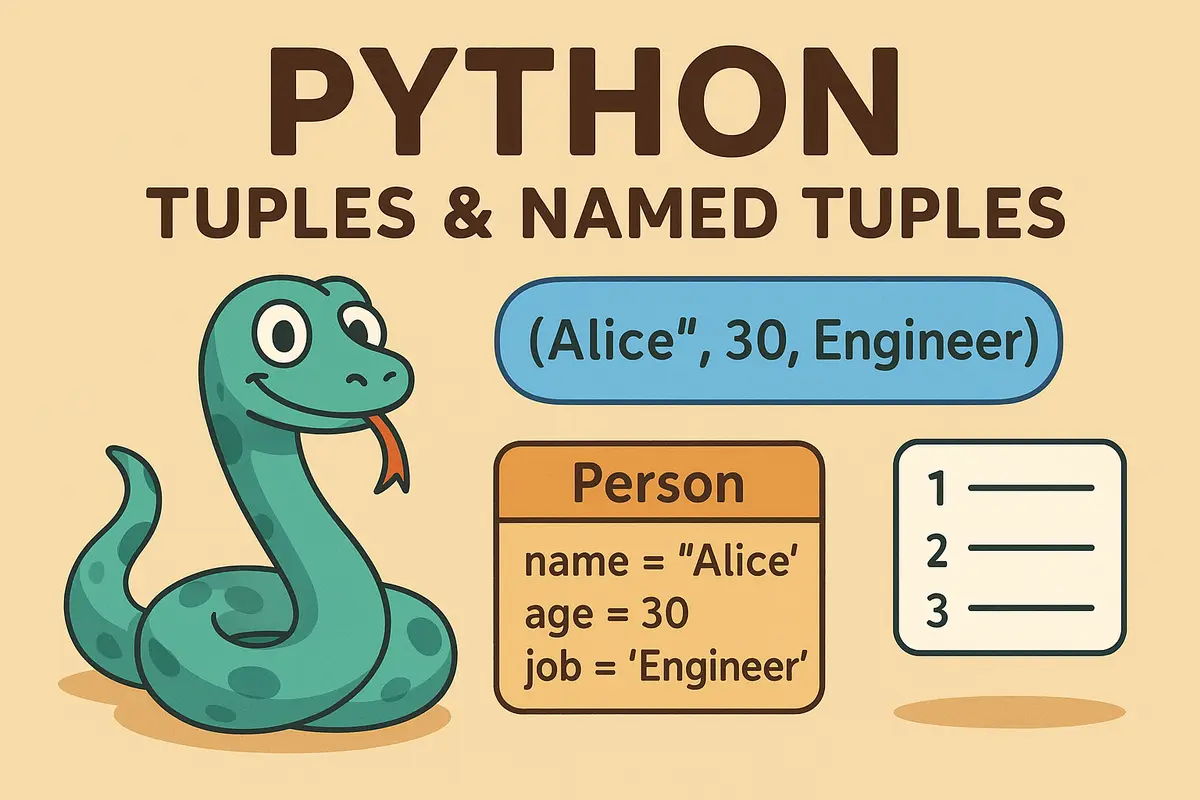
Tuples and Named Tuples in Python Explained 🐍
Hey Python developers! 👋
When most people first learn Python tuples, they usually think:
"Oh, so they're just lists that can't be changed."
Technically true.
But also incredibly misleading.
Tuples are one of Python's most underrated data structures. They're lightweight, memory-efficient, hashable, and perfect for representing fixed data.
And then there's their smarter cousin:
Named Tuples.
They give you the readability of classes while keeping the speed and simplicity of tuples.
Today we'll explore:
- What tuples actually are
- Why tuples are different from lists
- Memory and performance characteristics
- How Python stores tuples internally
- Named tuples and why they're awesome
- Real-world use cases and best practices
Grab a coffee ☕ and let's dive in.
What Is a Tuple?
A tuple is an ordered, immutable collection of objects.
You create one using parentheses:
person = ("Alice", 30, "Engineer")
Just like lists, tuples can store multiple values.
The key difference?
You cannot modify a tuple after creation.
Why Does Immutability Matter?
Because Python knows tuples won't change.
That allows Python to:
- Optimize memory usage
- Store data more efficiently
- Make tuples hashable
- Improve performance for certain operations
Think of tuples as sealed containers.
Once created:
person = ("Alice", 30)
Python knows exactly how much memory is needed.
Nothing more.
Nothing less.
Benefits of Tuples
Immutability 🔒
Protects data from accidental modification.
coordinates = (10, 20)

coordinates[0] = 50
Output:
TypeError
Faster Access ⚡
Tuples have less internal overhead than lists.
Because Python doesn't need to support:
- append()
- remove()
- insert()
- resize operations
Lower Memory Usage 🧠
Tuples consume less memory than lists.
We'll measure that shortly.
Hashability 🔑
Tuples can be used as dictionary keys.
location = (23.81, 90.41)

weather = {
    location: "Sunny"
}
Lists can't do this.
Tuple vs List: When Should You Use Each?
This is one of the most important Python design decisions.
| Feature | Tuple 🏆 | List 📝 |
|---|---|---|
| Mutability | Immutable | Mutable |
| Memory Usage | Lower | Higher |
| Speed | Slightly Faster | Slightly Slower |
| Hashable | Yes | No |
| Best Use | Fixed Data | Dynamic Data |
Memory Usage: Real Numbers
Let's compare.
import sys

empty_list = []
empty_tuple = ()

print(sys.getsizeof(empty_list))
print(sys.getsizeof(empty_tuple))
Typical output:
56
40
The tuple is noticeably smaller.
Now let's add elements.
lst = [1, 2, 3, 4, 5]
tpl = (1, 2, 3, 4, 5)

print(sys.getsizeof(lst))
print(sys.getsizeof(tpl))
Possible output:
104
80
Again, tuples win.
Why Are Lists Bigger?
Because lists are dynamic.
Python uses a technique called:
Over-Allocation
When you do:
numbers.append(5)
Python doesn't resize the list by exactly one slot.
Instead it allocates extra space for future growth.
This makes:
append()
extremely fast.
But it also increases memory usage.
Tuple Memory Layout
Tuples don't need future growth.
Python allocates:
Exactly Enough Space
for every element.
Nothing more.
This is why tuples are smaller and more predictable.
Real-Life Analogy
Think about it like this:
List 🛒
A shopping cart.
You can:
- Add items
- Remove items
- Change items
It needs extra room.
Tuple 🥡
A sealed lunchbox.
Everything is fixed.
Nothing changes.
Python loves predictability.
Returning Multiple Values
One of the most common tuple use cases.
def divide(a, b):
    return a // b, a % b
Usage:
quotient, remainder = divide(10, 3)

print(quotient)
print(remainder)
Output:
3
1
Python automatically packs and unpacks tuples for you.
Representing Coordinates
Tuples are perfect for fixed structures.
position = (120, 300)

x, y = position

print(x, y)
Common examples:
(latitude, longitude)

(red, green, blue)

(width, height)

(x, y)
Database Rows
Many database drivers return tuples.
Example:
rows = [
    ("Alice", 30, "Engineer"),
    ("Bob", 25, "Designer")
]
Usage:
for name, age, job in rows:
    print(name, age, job)
Clean and efficient.
Meet Named Tuples 🏷️
Regular tuples have one problem.
This:
person[0]
person[1]
person[2]
isn't very readable.
What does index 1 represent?
Age?
Salary?
Department?
Nobody knows.
Enter Named Tuples
from collections import namedtuple

Person = namedtuple(
    "Person",
    ["name", "age", "job"]
)

alice = Person(
    "Alice",
    30,
    "Engineer"
)
Now:
print(alice.name)
print(alice.age)
Output:
Alice
30
Much better.
Why Named Tuples Are Awesome
Readability
person.age
is infinitely better than:
person[1]
Still Immutable
Named tuples preserve tuple behavior.
alice.age = 31
Output:
AttributeError
Memory Efficient
Named tuples use roughly the same memory model as tuples.
Unlike full classes.
Unpacking Still Works
name, age, job = alice
Works exactly like a regular tuple.
Updating Named Tuples
Since they're immutable:
alice.age = 31
won't work.
Instead:
older_alice = alice._replace(
    age=31
)
Output:
Person(
    name='Alice',
    age=31,
    job='Engineer'
)
Named Tuple Defaults
You can define defaults:
Person = namedtuple(
    "Person",
    ["name", "age", "job"],
    defaults=[
        "Unknown",
        0,
        "Unemployed"
    ]
)
Now:
Person()
works.
Named Tuple vs Dictionary
Let's compare.
Named Tuple
person.name
Advantages:
- Immutable
- Lightweight
- Faster attribute access
- Hashable
Dictionary
person["name"]
Advantages:
- Flexible
- Dynamic fields
- Easy updates
| Named Tuple | Dictionary |
|---|---|
| Immutable | Mutable |
| Lightweight | Heavier |
| Attribute Access | Key Access |
| Hashable | Not Hashable |
| Fixed Structure | Dynamic Structure |
When Should You Use Named Tuples?
Perfect for:
- API responses
- Coordinates
- Database rows
- Configuration objects
- Lightweight records
Whenever your data has:
- Known fields
- Fixed structure
- Read-only behavior
Named tuples shine.
Named Tuple vs Dataclass
Modern Python often uses:
@dataclass
instead.
Example:
from dataclasses import dataclass

@dataclass
class Person:
    name: str
    age: int
Use:
Named Tuple
When:
- Lightweight
- Immutable
- Small records
Dataclass
When:
- More functionality
- Methods
- Validation
- Rich object behavior
Best Practices
Use Tuples For Fixed Data
Good:
rgb = (255, 128, 64)
Use Lists For Changing Data
Good:
shopping_cart = []
Use Named Tuples For Records
Good:
user.name
Bad:
user[0]
Don't Use Classes When a Named Tuple Is Enough
Sometimes:
namedtuple()
is all you need.
Less code.
Better readability.
Excellent performance.
TL;DR Quick Recap
- Tuples are ordered and immutable.
- Tuples use less memory than lists.
- Lists use overallocation for fast growth.
- Tuples are hashable.
- Tuples are ideal for fixed-size data.
- Named tuples add readable field names.
- Named tuples combine tuple performance with class-like clarity.
- Use tuples for records, coordinates, and return values.
- Use lists when data needs to change.
Frequently Asked Questions
What is a tuple in Python?
A tuple is an ordered, immutable collection of values.
person = ("Alice", 30)
Why are tuples faster than lists?
Tuples don't support resizing or modification operations, allowing Python to store them more efficiently.
Are tuples always immutable?
Yes.
The tuple structure itself is immutable.
However, tuples can contain mutable objects.
Example:
t = ([],)

t[0].append(1)
This works.
Can tuples be dictionary keys?
Yes.
Provided all elements inside the tuple are hashable.
coords = (10, 20)

data = {
    coords: "Point A"
}
What is a named tuple?
A named tuple is a tuple subclass that provides named fields.
Person = namedtuple(
    "Person",
    ["name", "age"]
)
Why use named tuples?
They improve readability while keeping tuple performance.
Are named tuples immutable?
Yes.
Like normal tuples.
What is _replace()?
A helper method for creating modified copies of named tuples.
person._replace(age=31)
When should I use tuples instead of lists?
Use tuples when:
- Data is fixed
- Structure matters
- Immutability is desired
When should I use named tuples instead of classes?
When you need:
- Simple records
- Readability
- Lightweight structures
without the overhead of full classes.
Key Takeaways
- Tuples are lightweight immutable collections.
- Tuples use less memory than lists.
- Lists use dynamic overallocation.
- Tuples are hashable and efficient.
- Named tuples provide readable field access.
- Named tuples are great alternatives to simple classes.
- Choosing the right data structure leads to cleaner and more maintainable code.
Final Thoughts
Tuples often get introduced as:
"Lists that can't be changed."
But that's only part of the story.
They're faster.
Smaller.
Safer.
And incredibly useful for modeling structured data.
Named tuples take things even further by adding readability without sacrificing performance.
The next time you're returning multiple values, representing coordinates, storing database rows, or creating lightweight records, ask yourself:
Would a tuple or named tuple make this cleaner?
In many cases, the answer is absolutely yes. 🚀
About the Author
Anik Sikder is a Software Engineer specializing in Backend Systems, Python, Django, FastAPI, Cloud Infrastructure, Software Architecture, and Scalable Application Design.
He writes about Python internals, system design, distributed systems, DevOps, software architecture, and modern engineering practices.