Most DNS problems don't begin with DNS.
At least, that's what people initially believe.
A website becomes unavailable.
An SSL certificate suddenly stops working.
Email delivery fails.
A SaaS customer reports that their custom domain is broken.
Traffic disappears after a migration.
The application appears healthy.
The database is running.
The servers are responding.
Yet users still cannot access the system.
Eventually someone runs a DNS lookup and discovers the real problem.
DNS sits at the front door of almost every internet service.
Before a browser loads a webpage...
Before an API receives a request...
Before an email server accepts a message...
Before an AI crawler retrieves content...
DNS must work correctly.
This is why DNS troubleshooting remains one of the most valuable infrastructure skills developers can learn.
Throughout this DNS series, we've explored how DNS works, why DNS changes appear to "propagate," how managed DNS providers operate at global scale, and how modern SaaS platforms use DNS for custom domains and multi-tenant architectures.
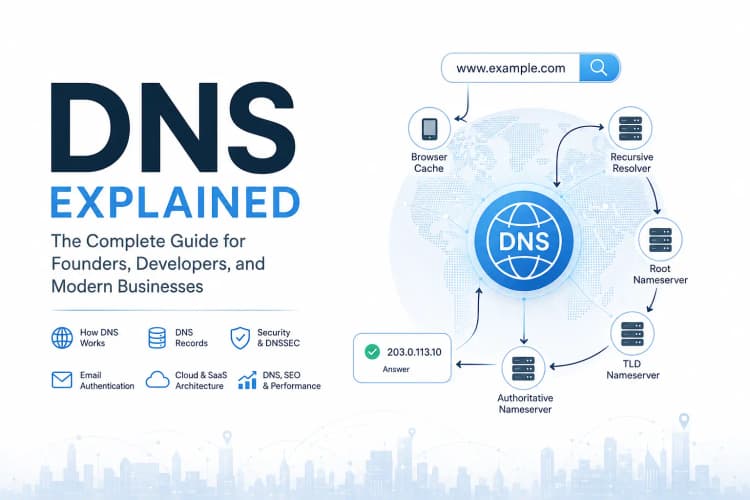
- DNS Explained: The Complete Guide for Founders, Developers, and Modern Businesses
- DNS Propagation Explained: Why DNS Changes Take Time and What Actually Happens Behind the Scenes
- Cloudflare DNS vs Route 53 vs Google Cloud DNS
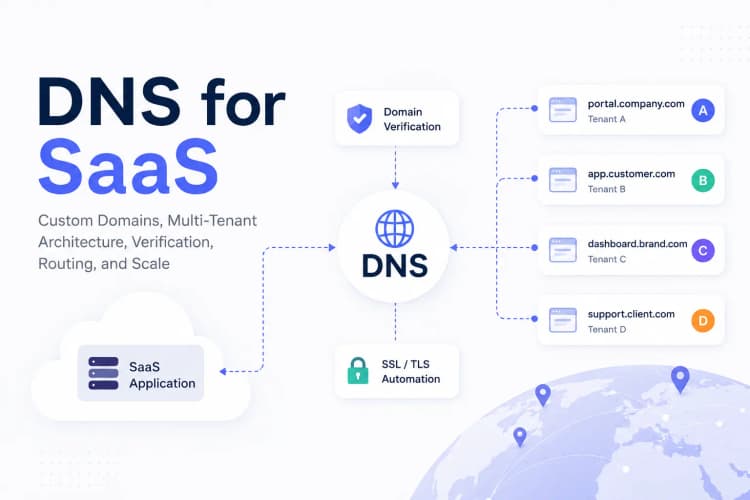
- DNS for SaaS Applications and Multi-Tenant Architecture
Understanding DNS theory is important.
But eventually every engineer reaches a point where they need to answer a more practical question:
Why isn't this working?
That's where troubleshooting begins.
This article focuses on diagnosing real-world DNS problems.
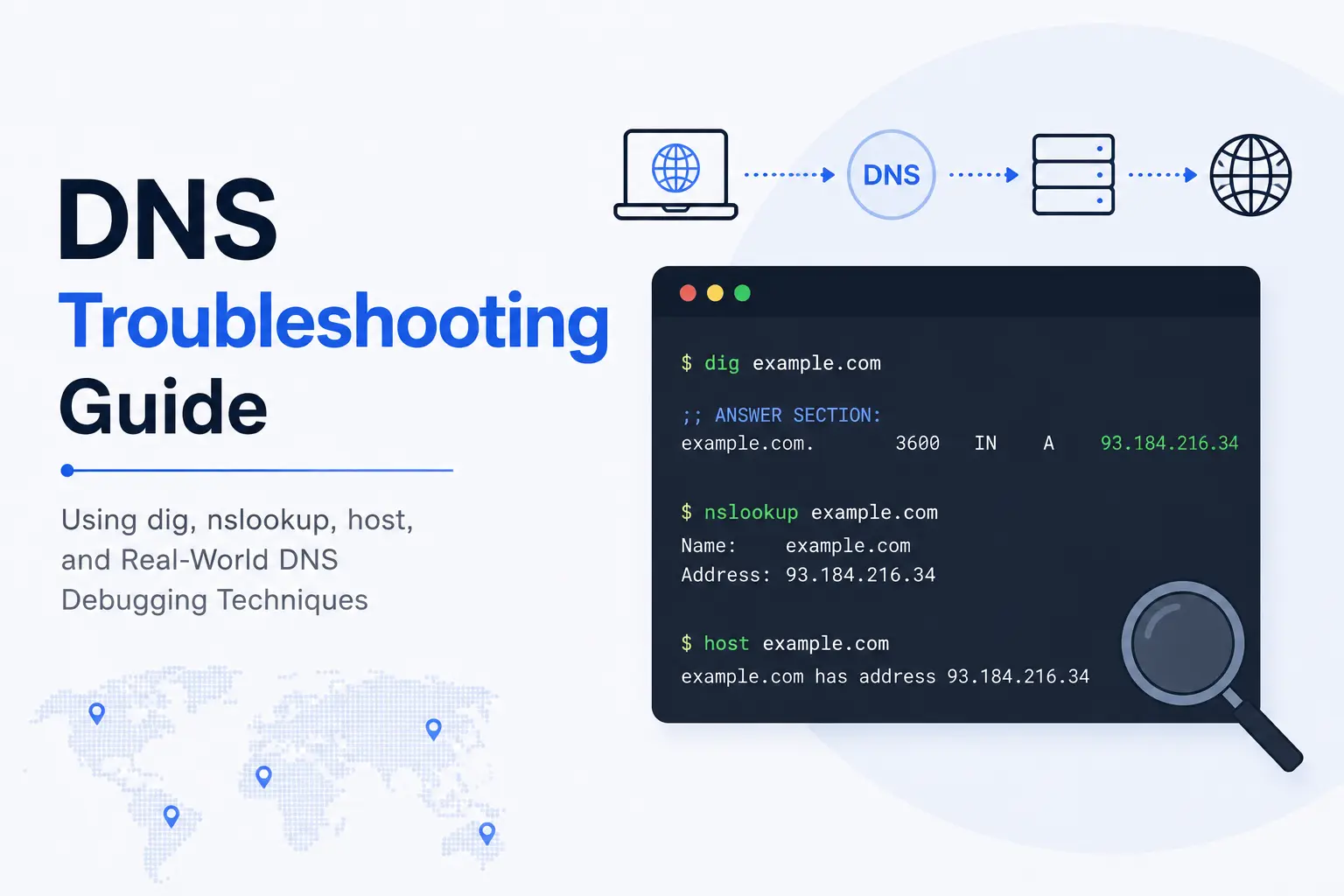
We'll learn how to investigate DNS issues using tools such as:
- dig
- nslookup
- host
- whois
We'll also explore how experienced engineers troubleshoot:
- Website outages
- DNS propagation issues
- Email delivery failures
- Custom domain onboarding problems
- SSL verification errors
- Production infrastructure incidents
Because effective DNS troubleshooting isn't about memorizing commands.
It's about understanding how the system behaves, identifying where resolution breaks down, and systematically narrowing the possible causes until the real problem becomes obvious.
Why DNS Troubleshooting Matters
Imagine a user visits:
app.company.com
The browser cannot load the application.
The immediate assumption might be:
Application Failure
But the actual issue could be:
DNS Failure
The application may be perfectly healthy.
Users simply cannot find it.
This distinction matters.
Modern infrastructure depends on many layers:
DNS
 ↓
Network
 ↓
TLS
 ↓
Load Balancer
 ↓
Application
 ↓
Database
Troubleshooting becomes easier when you identify which layer is failing.
DNS is often the first place to investigate.
Understanding the DNS Troubleshooting Mindset
Many engineers begin with commands.
Experienced engineers begin with questions.
For example:
Can the domain resolve?
Is the answer correct?
Is the answer consistent globally?
Is caching involved?
Is the issue DNS or something else?
The goal is not simply collecting data.
The goal is narrowing possibilities.
The Most Important DNS Troubleshooting Tool: dig
If developers could learn only one DNS tool, it should probably be:
dig
The name stands for:
Domain Information Groper
Despite its age, dig remains the gold standard for DNS diagnostics.
Basic usage:
dig example.com
Output typically includes:
Question
Answer
Authority
Additional Records
Query Time
This provides far more information than most GUI DNS checkers.
Reading dig Output
Example:
dig example.com
May return:
example.com. 300 IN A 203.0.113.10
Breaking this down:
example.com
Domain queried.
300
TTL.
A
Record type.
203.0.113.10
Returned IP address.
Learning to read these components is fundamental to DNS debugging.
Querying Specific Record Types
One of the most common troubleshooting tasks involves checking individual record types.
Example:
A Records
dig example.com A
AAAA Records
dig example.com AAAA
MX Records
dig example.com MX
TXT Records
dig example.com TXT
NS Records
dig example.com NS
This targeted approach helps isolate specific configuration issues.
Using dig +short
Sometimes you only need the answer.
Example:
dig example.com +short
Output:
203.0.113.10
This is especially useful in scripts and quick diagnostics.
Understanding DNS Propagation with dig
One of the most common support tickets looks like:
I updated DNS but nothing changed.
As discussed in our DNS Propagation article, propagation is usually cache expiration rather than actual propagation.
To verify current answers:
dig example.com
Then compare results using different resolvers.
Example:
dig @1.1.1.1 example.com
dig @8.8.8.8 example.com
dig @9.9.9.9 example.com
If responses differ, caching may still be involved.
Tracing DNS Resolution
One of the most powerful dig features is:
dig +trace example.com
This shows the complete resolution path:
Root Servers
      ↓
TLD Servers
      ↓
Authoritative Servers
      ↓
Final Answer
This command is invaluable during complex troubleshooting.
Diagnosing Authoritative DNS Problems
Sometimes recursive resolvers aren't the issue.
The authoritative server is.
Check nameservers:
dig example.com NS
Example output:
ns1.provider.com
ns2.provider.com
Now query them directly:
dig @ns1.provider.com example.com
This helps identify whether the authoritative source itself is incorrect.
Using nslookup
Although dig is generally preferred, nslookup remains widely available.
Basic usage:
nslookup example.com
Output:
Name: example.com
Address: 203.0.113.10
Simple.
Readable.
Available on most operating systems.
When nslookup Is Useful
nslookup is particularly valuable when:
- Working on Windows systems
- Performing quick checks
- Supporting non-technical teams
Many IT teams continue using it because of its simplicity.
Querying Different Record Types with nslookup
Example:
nslookup -type=MX example.com
Or:
nslookup -type=TXT example.com
This allows verification of:
- Email records
- Domain verification tokens
- Security configurations
The host Command
Many Linux systems also include:
host
Example:
host example.com
Output:
example.com has address 203.0.113.10
Simple.
Fast.
Easy to remember.
Why host Is Useful
For quick investigations:
host example.com
often provides enough information without overwhelming output.
Many engineers keep it as their first lookup tool.
Troubleshooting Website Outages
Suppose users report:
Website Not Reachable
Start with:
dig example.com
Questions:
- Does DNS resolve?
- Is the IP correct?
- Has the record changed recently?
- Are multiple resolvers returning different answers?
Only after DNS is verified should you investigate application infrastructure.
Diagnosing Email Problems
Email issues frequently trace back to DNS.
Check MX records:
dig example.com MX
Example:
10 mail.example.com
If MX records are missing:
Email Delivery May Fail
Verifying SPF Records
Check:
dig example.com TXT
Example:
v=spf1 include:_spf.google.com ~all
Incorrect SPF configurations often cause deliverability issues.
Verifying DKIM Records
Example:
dig selector._domainkey.example.com TXT
Useful when troubleshooting:
- Gmail delivery
- Microsoft 365
- Transactional email systems
Verifying DMARC Records
Example:
dig _dmarc.example.com TXT
Expected:
v=DMARC1; p=quarantine
These records play a major role in email trust and anti-spoofing protections.
Troubleshooting SaaS Custom Domains
As discussed in our SaaS DNS Architecture article, custom domains introduce additional complexity.
Common issue:
Customer reports:
portal.company.com
doesn't work
Start by verifying:
Ownership Records
dig TXT portal.company.com
CNAME Records
dig CNAME portal.company.com
SSL Validation Records
dig TXT _acme-challenge.portal.company.com
Most onboarding issues appear in one of these areas.
Understanding CNAME Problems
A common mistake:
CNAME
and
A Record
defined simultaneously.
DNS standards prohibit this.
Example:
app.example.com A 203.0.113.10
app.example.com CNAME platform.example.com
This creates conflicts.
Only one approach should be used.
Diagnosing DNSSEC Problems
DNSSEC adds security.
It can also introduce failures.
Example symptoms:
Domain Resolves For Some Users
Fails For Others
Potential causes:
- Invalid signatures
- Expired keys
- Incorrect DS records
DNSSEC troubleshooting often requires examining authoritative configuration carefully.
Using whois
DNS troubleshooting sometimes begins before DNS.
Example:
whois example.com
Provides:
- Registrar information
- Registration dates
- Expiration dates
- Nameservers
This helps identify ownership and administrative issues.
Troubleshooting Expired Domains
A surprising number of outages occur because:
Domain Expired
The infrastructure remains healthy.
The application remains healthy.
The domain simply no longer exists.
Always check expiration status during incident investigations.
A Real-World DNS Troubleshooting Workflow
Experienced engineers often follow a process similar to:
Problem Reported
        ↓
DNS Resolution
        ↓
Record Verification
        ↓
Nameserver Verification
        ↓
Propagation Analysis
        ↓
TLS Verification
        ↓
Application Investigation
This systematic approach reduces guesswork.
Common DNS Mistakes
Repeatedly observed across organizations:
Wrong Nameservers
Domain points to incorrect provider
Missing Records
MX removed during migration
Incorrect TTL
Changes delayed unexpectedly
Broken Verification Records
TXT validation fails
Expired Domains
Renewal forgotten
Assuming Propagation
Many troubleshooting sessions begin with:
Maybe DNS propagation?
Often the real issue is simply a configuration error.
DNS Troubleshooting Checklist
When diagnosing DNS issues:
✓ Does the domain resolve?
✓ Are nameservers correct?
✓ Are records correct?
✓ Are TTL values reasonable?
✓ Do multiple resolvers agree?
✓ Is authoritative DNS correct?
✓ Are SSL validations succeeding?
✓ Are email records configured properly?
✓ Is caching involved?
✓ Has the domain expired?
This checklist resolves a surprising number of incidents.
Frequently Asked Questions
What is the best DNS troubleshooting tool?
For most engineers:
dig
remains the most powerful and flexible option.
What does dig do?
It queries DNS records and provides detailed diagnostic information.
Is dig better than nslookup?
Generally yes.
dig provides more visibility and troubleshooting capabilities.
How do I check DNS propagation?
Query multiple resolvers:
dig @1.1.1.1 example.com
dig @8.8.8.8 example.com
and compare results.
How do I verify MX records?
Use:
dig example.com MX
How do I troubleshoot custom domain issues?
Verify:
- TXT records
- CNAME records
- SSL validation records
- DNS ownership verification
Key Takeaways
- DNS is often the first dependency in internet communications.
- dig is the most valuable DNS troubleshooting tool for developers.
- nslookup and host remain useful for quick diagnostics.
- DNS troubleshooting requires understanding system behavior, not just commands.
- Email delivery problems frequently originate in DNS configuration.
- SaaS custom domains introduce additional DNS complexity.
- DNS propagation issues are usually caching issues.
- Systematic troubleshooting dramatically reduces incident resolution time.
- Strong DNS knowledge improves infrastructure reliability and operational efficiency.
About the Author
Anik Sikder is a Software Engineer specializing in Backend Systems, Cloud Infrastructure, Networking, SaaS Architecture, Python, Django, FastAPI, and Distributed Systems.
He writes about networking, DNS, system design, cloud architecture, infrastructure engineering, and scalable software systems.